

8 Best Download Managers for Efficient Downloading for Your Mac
A download manager is a computer program dedicated to the task of downloading possibly unrelated stand-alone files from the Internet for storage. People generally lose their already completed work when they try to recover from errors it is a very serious issue. Well to their rescue is the download manager.
A download manger can be most easily described as the software that helps in downloading files easily and at a higher speed than the internet. In a very short span of time the download manager has managed to become very popular among the people because of various reasons such as it uses a parallel server and that is what helps it to accelerate the speed of the file that is being downloaded. The typical download manager at a minimum provides means to recover from errors without losing the work already completed, and can optionally split the file to be downloaded (or uploaded) into 2 or more segments, which are then moved in parallel, potentially making the process faster within the limits of the available bandwidth. Multi-source is the name given to files that are downloaded in parallel.
One more reason apart from this is that using the downloading manager you can easily pause’s your downloading file whenever you want and resume them whenever you want later. For the users of Mac, these download managers is the perfect thing. We have collected some best for you below.
JDownloader

It’s free of charge. JDownloader is open source, platform independent, and written completely in Java. It simplifies downloading files from One-Click-Hosters like Rapidshare.com or Megaupload.com - not only for users with a premium account but also for users who don’t pay. It offers downloading in multiple parallel streams, captcha recognition, automated file extraction, and much more.
Yazsoft
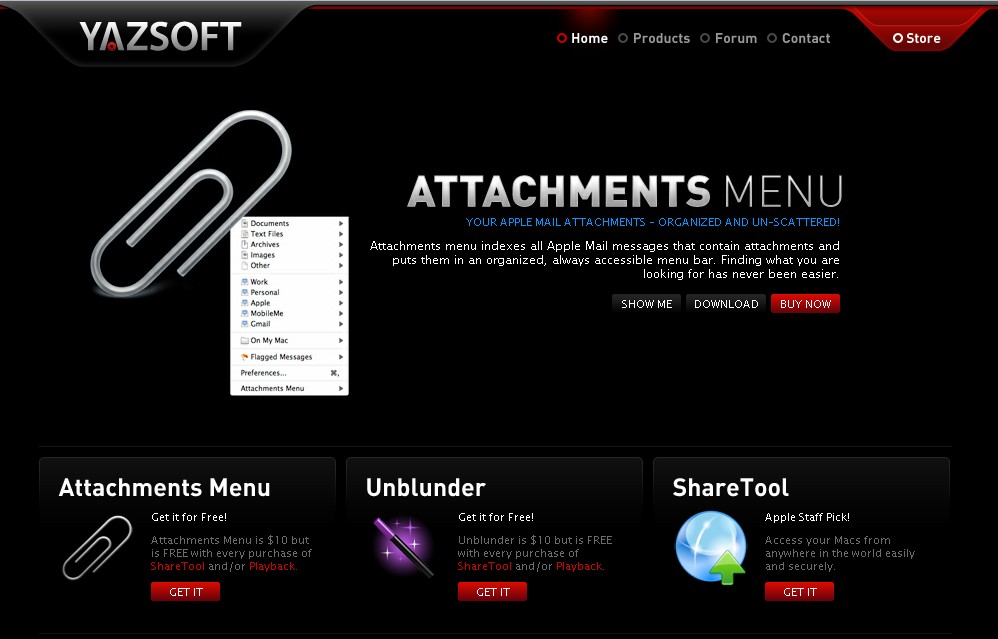
Speed Download is an award winning download manager for Mac OS X. Speed Download 5 introduces a stunning new user interface option that feels right at home in Mac OS X and is designed to help you be even more productive with fewer mouse clicks hence, completely redefining what you can do with your time online. Introducing SD Minimized mode; a serious upgrade to the Speed Download floater.
Mac Update
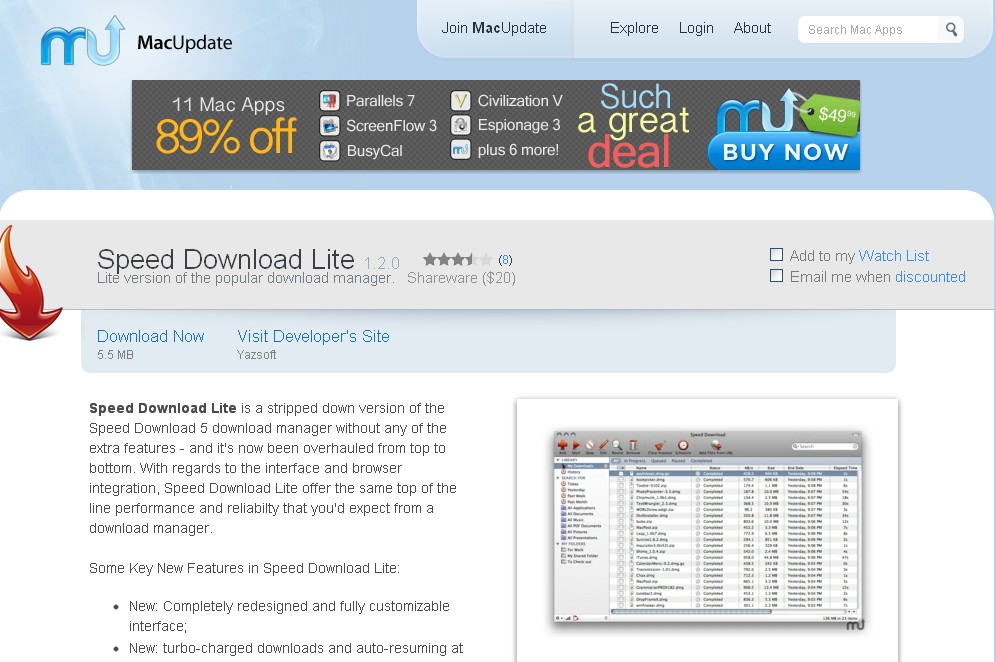
Speed Download Lite is a stripped down version of the Speed Download 5 download manager without any of the extra features - and it’s now been overhauled from top to bottom. With regards to the interface and browser integration, Speed Download Lite offer the same top of the line performance and reliabilty that you’d expect from a download manager.
Mac Eltima
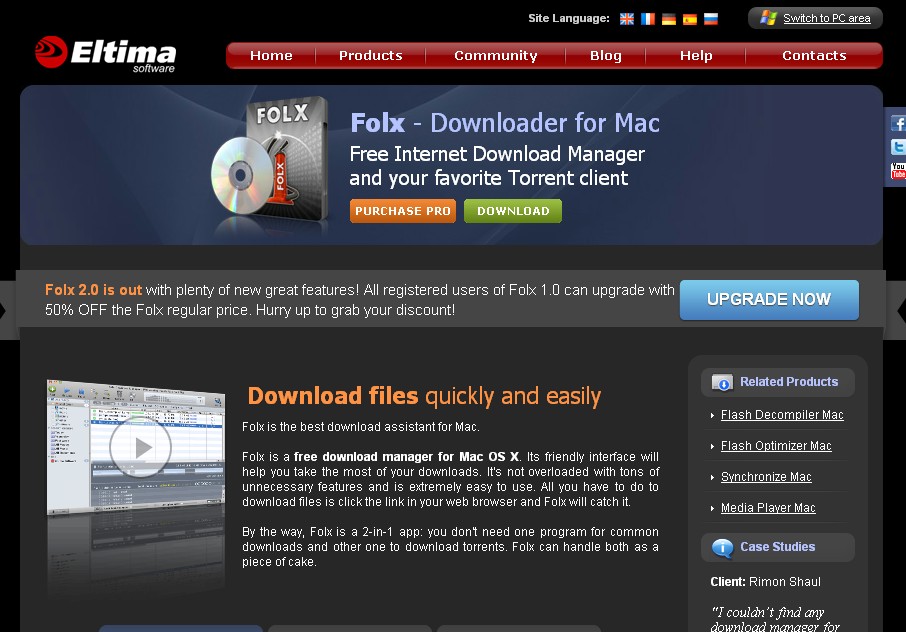
Folx is a free download manager for Mac OS X. Its friendly interface will help you take the most of your downloads. It’s not overloaded with tons of unnecessary features and is extremely easy to use. All you have to do to download files is click the link in your web browser and Folx will catch it.
iGetter
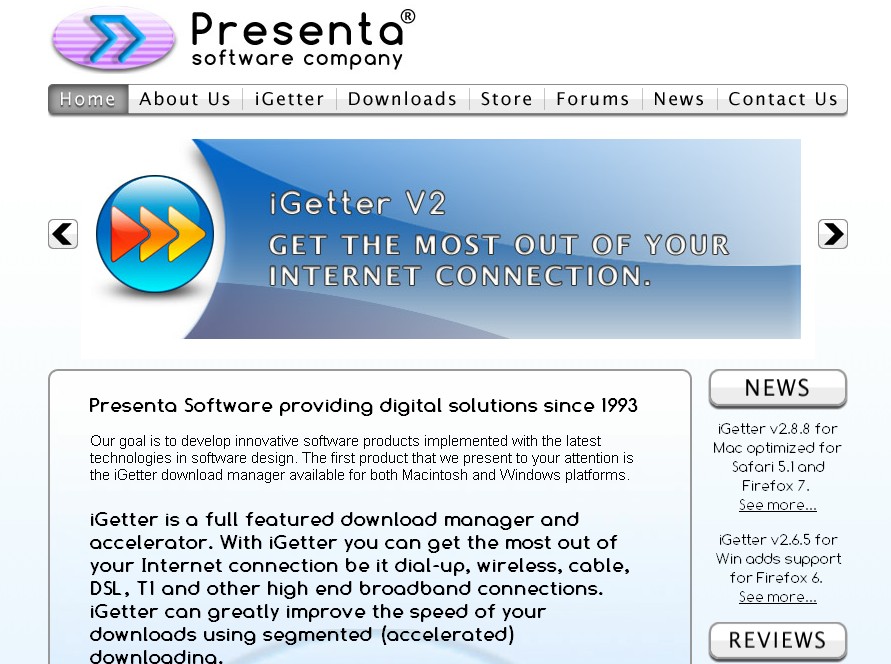
iGetter is a powerful, full featured download manager and accelerator. iGetter can greatly improve the speed of your downloads using segmented downloading. In addition it allows auto resume on broken downloads, queue filtering by various criteria, site explorer, history list, scheduling downloads for low traffic periods, auto redial on broken connection, auto hang-up and shut down on completion, and much more.
Transmit
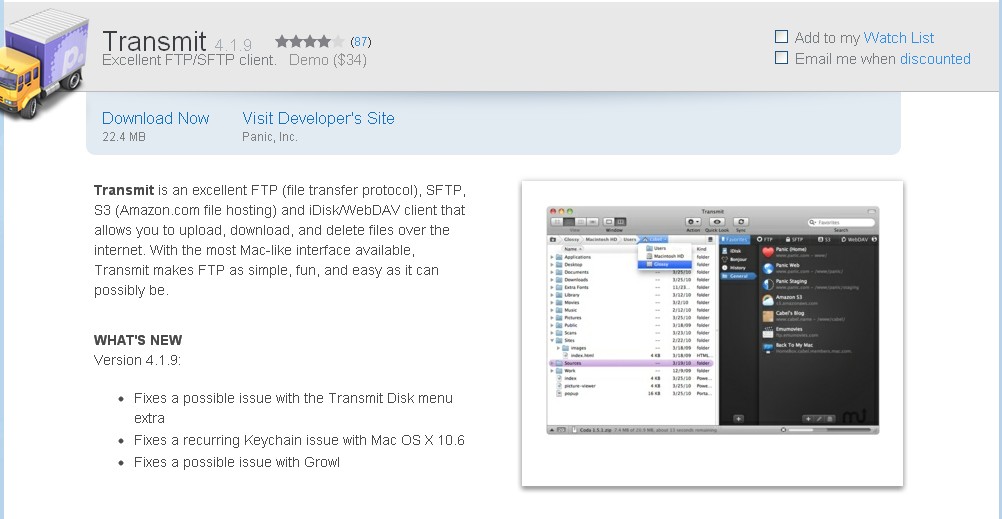
Transmit is an excellent FTP (file transfer protocol), SFTP, S3 (Amazon.com file hosting) and iDisk/WebDAV client that allows you to upload, download, and delete files over the internet. With the most Mac-like interface available, Transmit makes FTP as simple, fun, and easy as it can possibly be.
Speed Bit
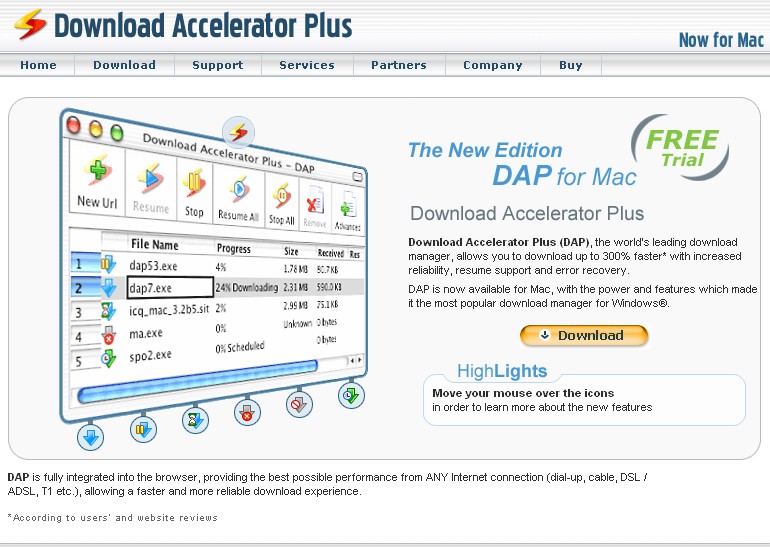
Download Accelerator Plus (DAP), the world’s leading download manager, allows you to download up to 300% faster* with increased reliability, resume support and error recovery.
Transmission
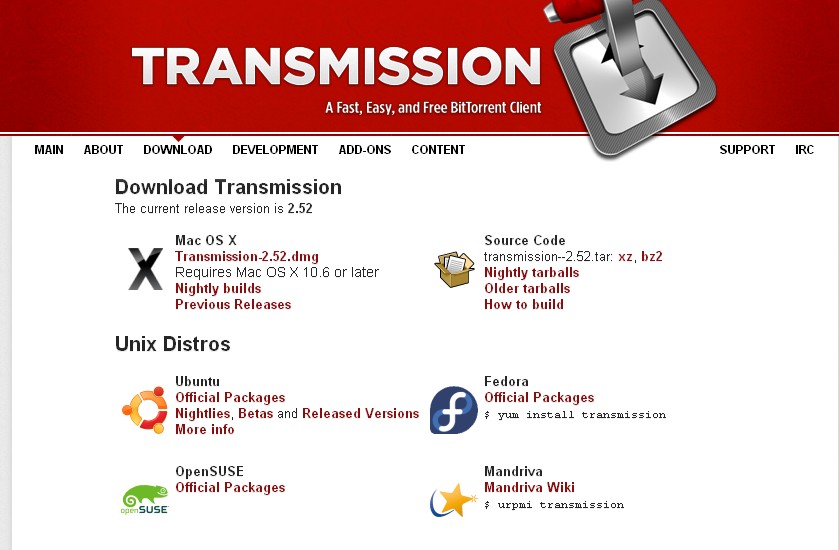
Transmission is a fast, easy, and free multi-platform BitTorrent client. Transmission sets initial preferences so things “Just Work”, while advanced features like watch directories, bad peer blocking, and the web interface can be configured with just a few clicks.
Similar articles
Textmate 2.0 , the alpha version of mac text editor now has been open sourced. As noted by ArsTechnica, developer Allan Odgaard made the decision based in part on what he calls Apple's steps to limit our freedom.
One of the biggest problems that people have when they come to Mac from other platforms, i.e either Linux or Windows, is to know what are the best programs to start by using this.
In this post, we will be discussing how to add a printer on your Mac with either manual installation process or auto-installation.
Searching for the best iPad gifts for your loved one or yourself? Your iPad is an all-rounder device which can shoot videos, play music, send emails, take pictures and perform all the internet functions.
Do you want to block a website or websites on your Mac computer, but you're not sure how to do it? This guide will walk you through the step-by-step process for blocking a website on your Mac.
In this post, we’ll guide you on how to cancel Apple Music subscription on Apple TV, iPhone or iPad and their troubleshooting steps