

7 Best Free Collage Maker App for Android
If you are a photography enthusiast than this time we come up with some best free collage maker applications . With the help of these awesome applications you can make beautiful collage with in minutes. You can even give different styles to your collages and share it with your friends. In android market thousand of applications are having but we select some best free collage maker applications for our readers.
Photo Shake
Start making new and exciting collages with this app and share it with your friends on different social networking sites. Photo Shake comes with special editing tool to add special effects to your collage. With numerous designing features available, amazing social media support (Facebook, Twitter, Flicker, Picasa, Blogger, Tumblr etc), this app surely becomes a ‘must have’ app when it comes to making a collage.
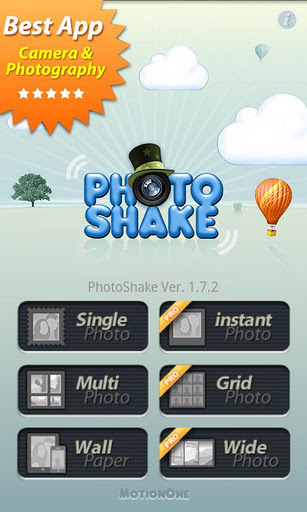
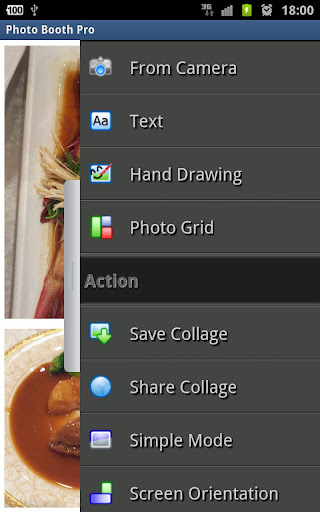
Photo Booth
Convert your photos collection into amazing collages. With PhotoBooth you can convert your photos collection into amazing collages. Try it out.
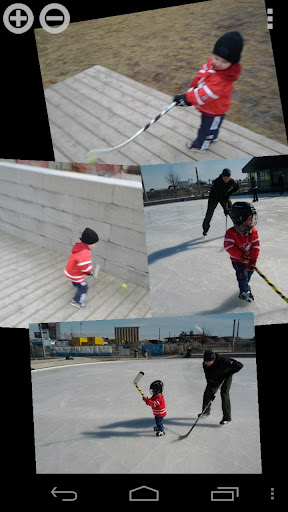
Stack Collage
Stack is a frictionless multi-touch image collage tool that allows you to easily build great picture collages with minimal effort. It is dead simple with minimal UI to get in the way of your creation. Simply add in images and use gestures to move them around. The remove button (minus) will always remove the last touched image (top of stack). It is tablet and phone friendly and extremely fun. The rotate and expand tool add a layer of precision to aid in your creative process.
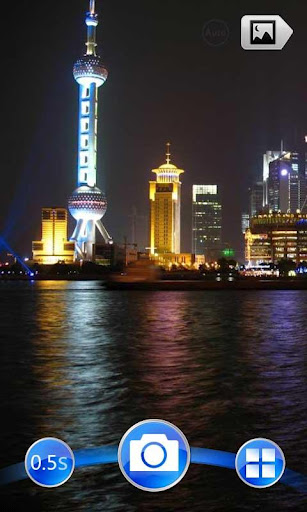
Action Camera
“Action Camera”,the fun of continuous shooting! Just one click,the camera will snap continuously and compose all photos into one collage that you can share it right away. There are a variety of cool frames to choose for different styles of the photo collage.
KD Collage App
Choose from over 50 collage patterns and 80+ background styles. All photo editing features (like- move, rotate and zoom in/out) are available in this app.
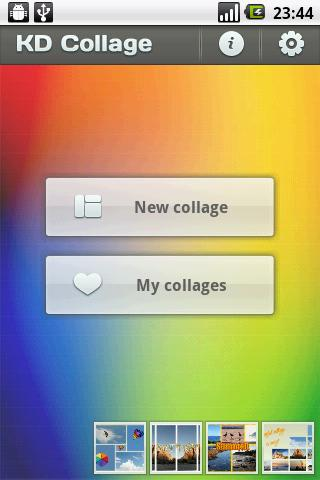
Turbo Collage Lite
Create awesome collage with this app from your Droid. You can select photos in any aspect ratios, add text to your collage, select from different collage layouts, use instant camera to add photos to collage, upload collage directly on Facebook and share it with your friends and do much more. But apart from this, what makes this app stand out of all other apps is its intuitive user interface and complete control over collage design.
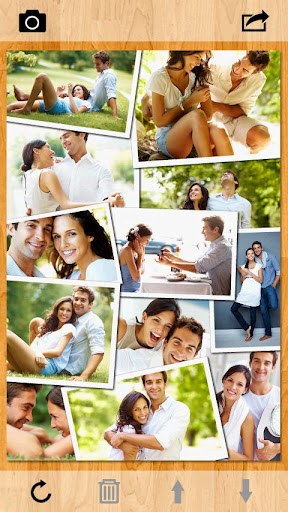
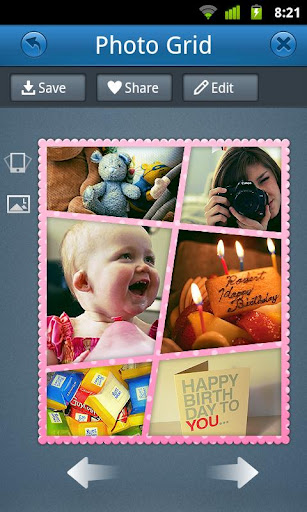
Photo Grid
An awesome app by RoidApp to create amazing collages with your photos. Choose from innumerable photo templates to design your collage, change border styles, share it on your social network and do much more with this app and what more, there is virtually no limit on number of photos that can be used in a collage. Photo Grid also supports languages like English, Korean, Chinese, and Japanese.
Similar articles
Mobile users can't even imagine their worlds without their handset .Mobiles are now every one's first choice gadget, either an elderly person or a younger one.
Passion of photography is so crazy and enthusiastic that one wants to click every now and then and its always not possible to carry a camera, to which best alternative is mobile with photo and video apps.You can even Create eye-catching snaps on the move from your smartphone.
ICE X Electronics has launched companies first Android 4.0 ICS Tablet in indian tablet market. the price of this tablet is set by the company is Rs. 6,999. the name of this tablet is ICE Xtreme.
Android 4.1, Jelly Bean, is the fastest and smoothest version of Android yet. Jelly Bean improves on the simplicity and beauty of Android 4.0
Spy software for Android should be used by parents to strike a balance in their parenting. This app is very useful and prevents parents from being too nosy or too oblivious of what their teens are doing with their lives. It is important that teens should be informed about the good and bad, since the
Users navigate the app's features by passing their fingers over various options which are read aloud or Lingering on a particular option produces a beep, indicating that the option has been selected are some features for visually impaired people which make their working easier on the pc.